Day-3 Task: Basic Linux Commands

TASK: What is the Linux Command to
1. To view what's written in a file.
- We can use the “cat” command to view what is written in the file

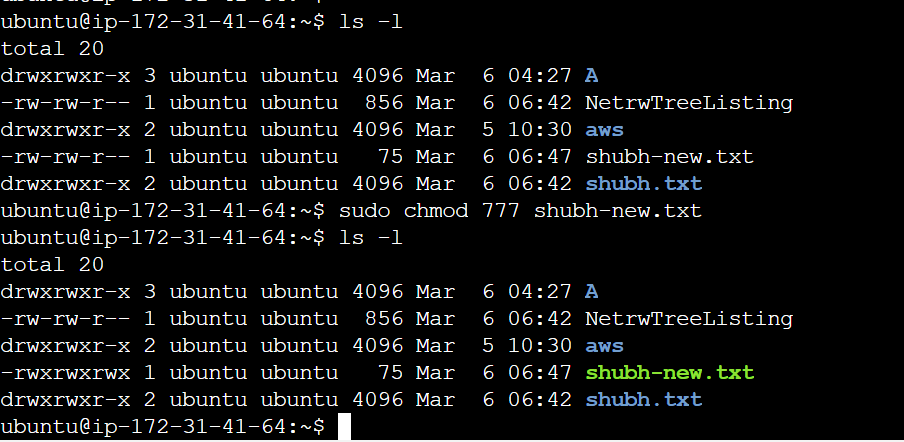
2. To change the access permissions of files.
- For this, we can use the “chmod” command.
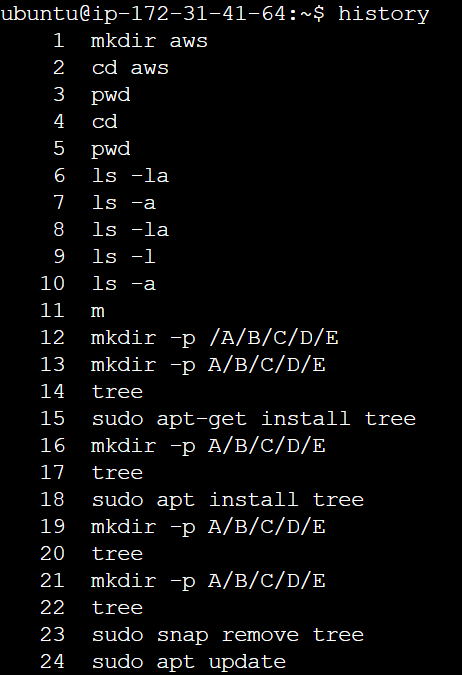
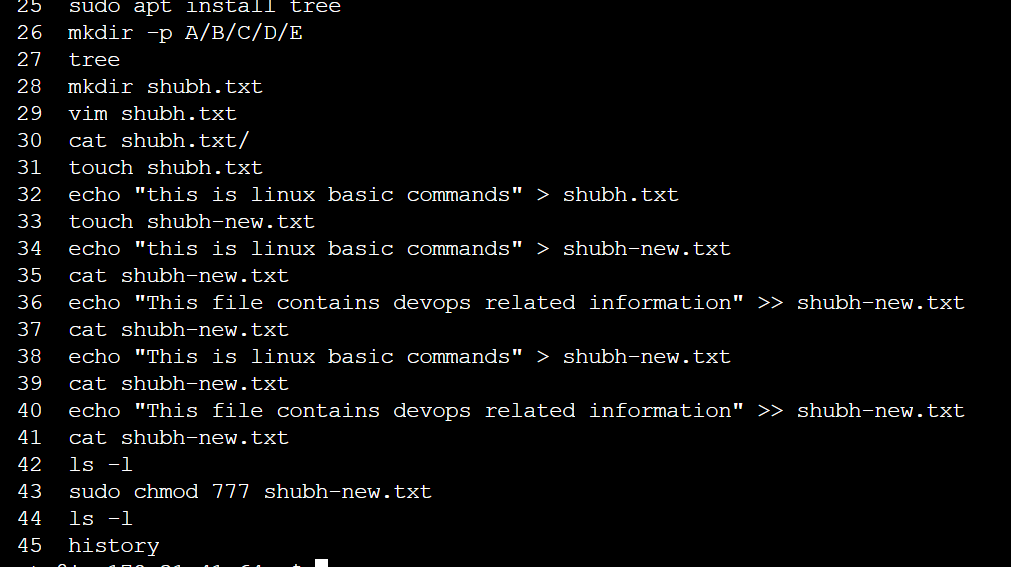
To check which commands, you have run till now.
- To view the commands that we use till now, we use the “history” command.
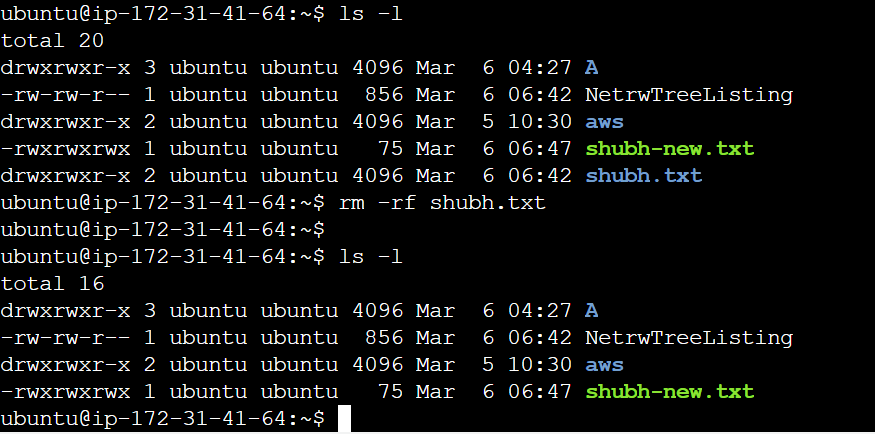
4. To remove a directory/ Folder.
- To remove a directory, we use the “rm” command. We use “rm -r” if the directory is nonempty.
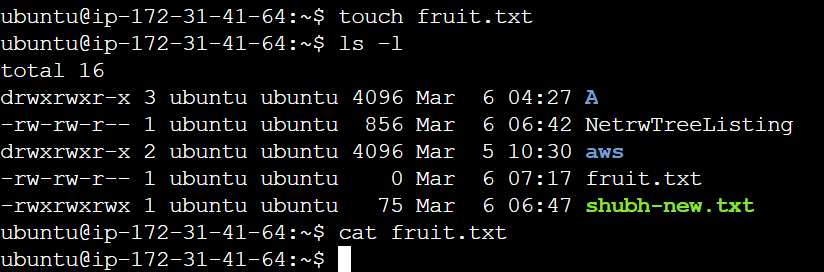
5. To create a fruits.txt file and view the content.
- We can use the “touch” command to create a new file and the “cat” command is used to view the content.
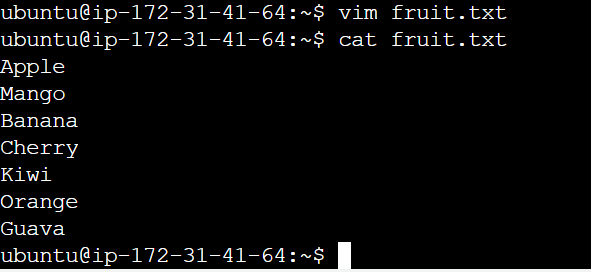
6. Add content in fruits.txt (One in each line) - Apple, Mango, Banana, Cherry, Kiwi, Orange, Guava.
Vim fruits.txt
Add the fruit's name.
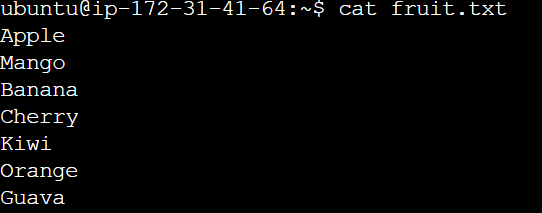
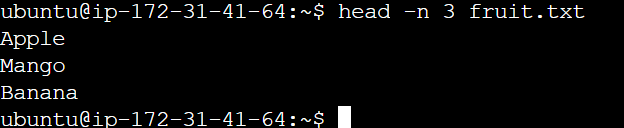
7- Show only the top three fruits from the file.
- To display the top three lines from any file we use the command
“Head -n 3 fruits.txt”
Where -n is a flag to specify the number of lines
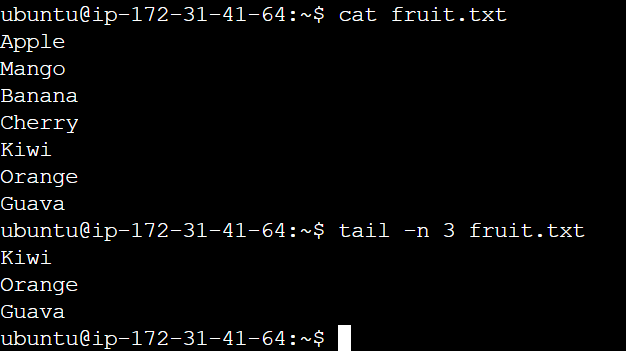
8. Show only the bottom three fruits from the file.
- To print the bottom three lines from a file, we use the command “tail -n 3 fruit.txt”
Where -n is a flag, to specify the number of lines.
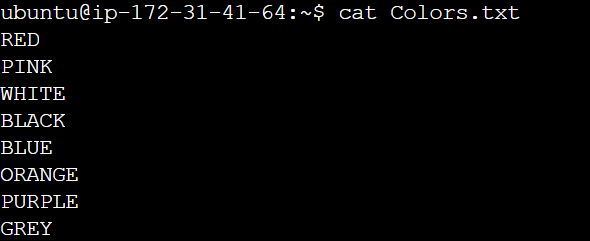
9. To create another file Colors.txt and to view the content.
- To create a new file and view its contents, we can use "touch" and "cat" commands respectively.
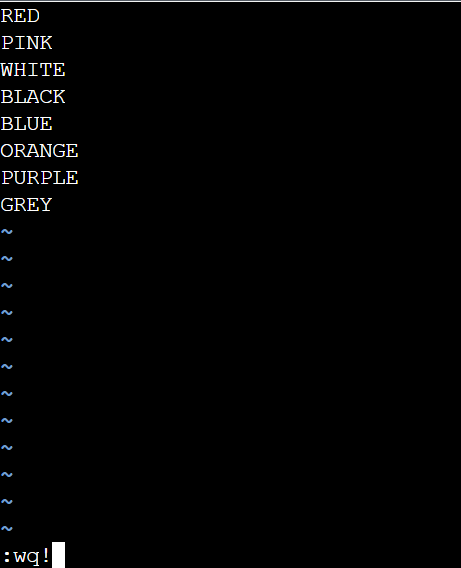
10. Add content in Colors.txt (One in each line) - Red, Pink, White, Black, Blue, Orange, Purple, and Grey.
- To add content in the colours file, we use the “vim” command

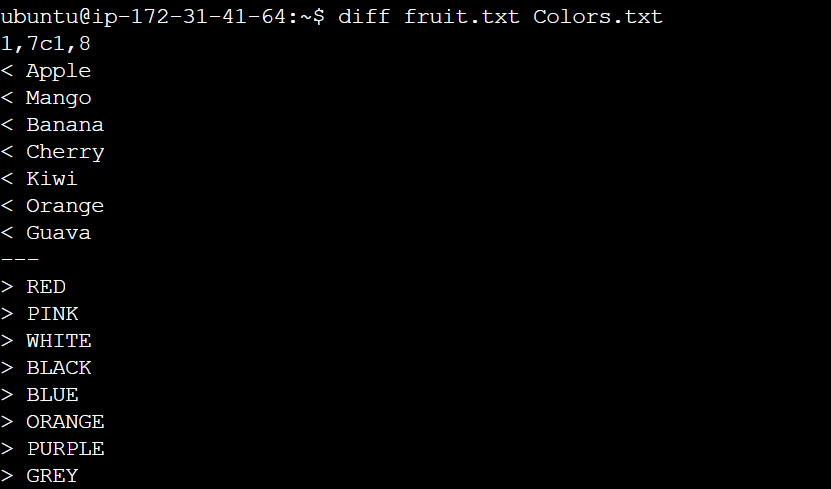
11. To find the difference between the fruits.txt and Colors.txt files.
- To find the difference between the two files we use the “diff” command.